一:Try -catch-finally
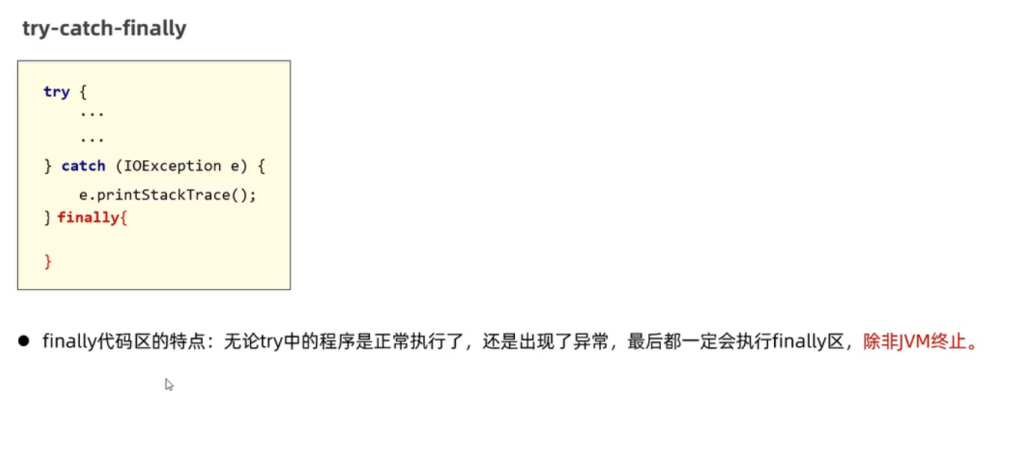
千万不要在finally里return数据,如果finally里return那么try和catch里面的return就不会返回;
一般用于在程序执行完之后对资源进行释放操作
如果直接释放留,提过在前面带代码出现异常,那么下面的流就无法释放
public static void main(String[] args) throws IOException {
        /**
         * 文件复制
         *
         */
        //创建源文件
        InputStream is=null;
        FileOutputStream os=null;
        try {
             is = new FileInputStream("D:\\资源图片\\主图\\06.jpg");
            File file = new File("D:\\资源图片\\主图\\06.jpg");
            byte[] bytes = new byte[1024];
             os = new FileOutputStream("D:\\资源图片\\主图\\demo\\016.jpg",true);
            while (is.read(bytes)!=-1){
                os.write(bytes);


            }


        } catch (IOException e) {
            throw new RuntimeException(e);
        } finally {
            if(os!=null){
                os.close();
            }
            if(is!=null){
                is.close();
            }

        }


    }
快捷键:ctrl+alt+t
 finally {
            if(os!=null){
                os.close();
            }
            if(is!=null){
                is.close();
            }
这里的判断是如果在创建流之前出现异常,我们还没创建流就把流释放,就会出现空指针异常;
二(荐):Try -with-resource
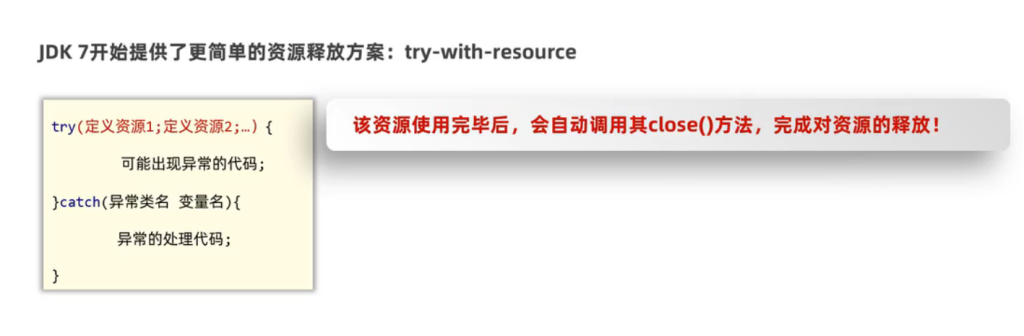
我们把使用的流资源定义在方法块里,用完以后他会自动释放
 public static void main(String[] args) throws IOException {
        /**
         * 文件复制
         *
         */
        //创建源文件

        try ( InputStream   is = new FileInputStream("D:\\资源图片\\主图\\06.jpg");

                FileOutputStream   os = new FileOutputStream("D:\\资源图片\\主图\\demo\\016.jpg",true);
                ){
            File file = new File("D:\\资源图片\\主图\\06.jpg");
            byte[] bytes = new byte[1024];
            while (is.read(bytes)!=-1){
                os.write(bytes);
            }
        } catch (IOException e) {
            throw new RuntimeException(e);
        }
    }
最新释放资源的方式
注意:小括号内只能放资源对象
什么是资源呢,资源都是会实现AutoCloseable接口